View your mobile Prototypes like they were meant to be
- No browser UI
- Full-screen interactions
- Supports
- No sign-up
What it does
Tap any of these for a closer look.
102 ratings across 31 countries
Feedback on Version 1.0
Here’s where people liked it most, and what they wanted to be fixed.
What people asked for, and what 2.0 does about it
The people have spoken
Real App Store reviews of version 1, in their own words and languages.
Good to know
The questions people ask most.
No. You only sign in when a prototype is private, and then only to the tool it lives in.
No. It keeps the link and a preview picture on your iPhone. That’s all.
A few: InVision (it shut down in 2024), Play and Origami Studio (those are apps, not links) and Paper. Proto tells you when you paste one of those.
- InVisionShut down in 2024
- PlayAn app, not a link
- Origami StudioAn app, not a link
- PaperNo share links to play
iPhone and iPad with iOS 26 or later. There’s an Android version too.
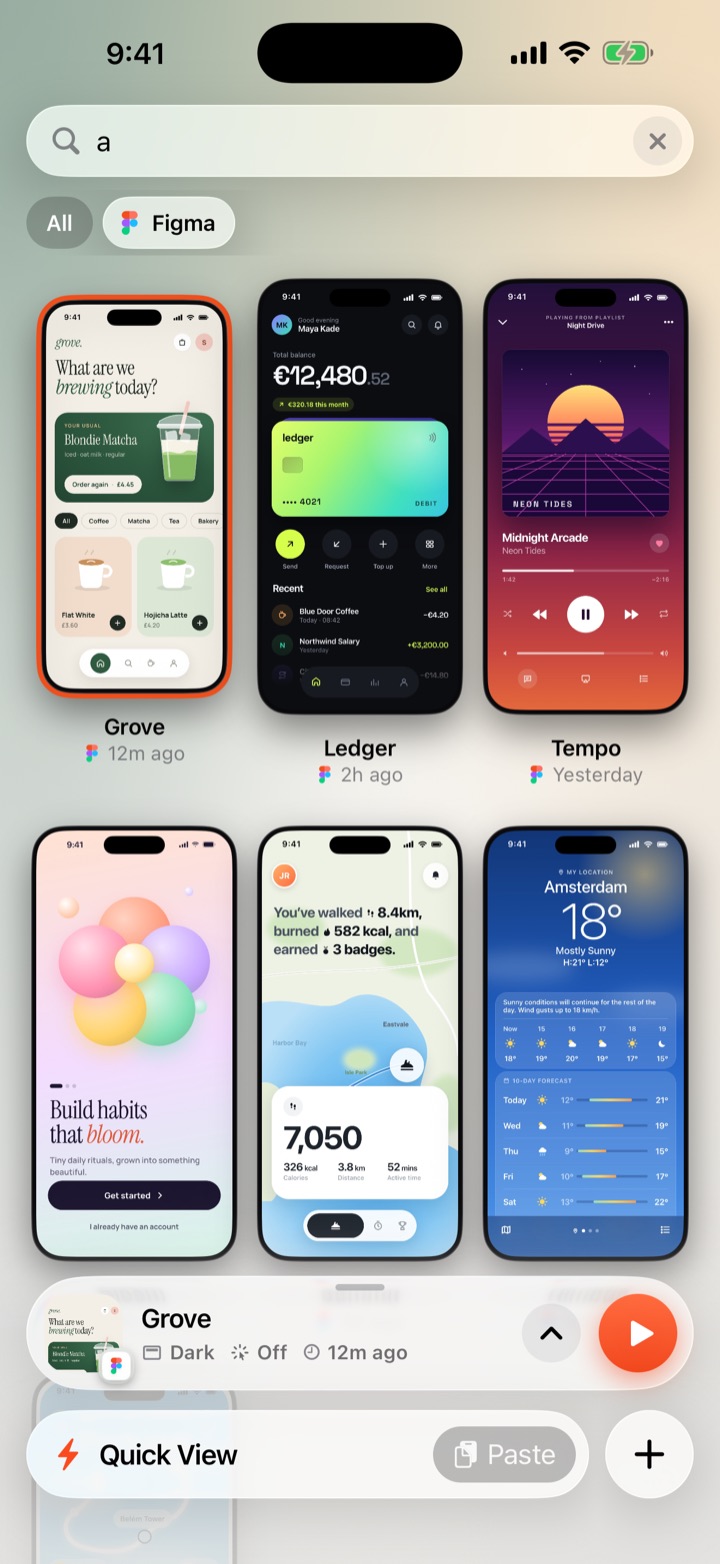
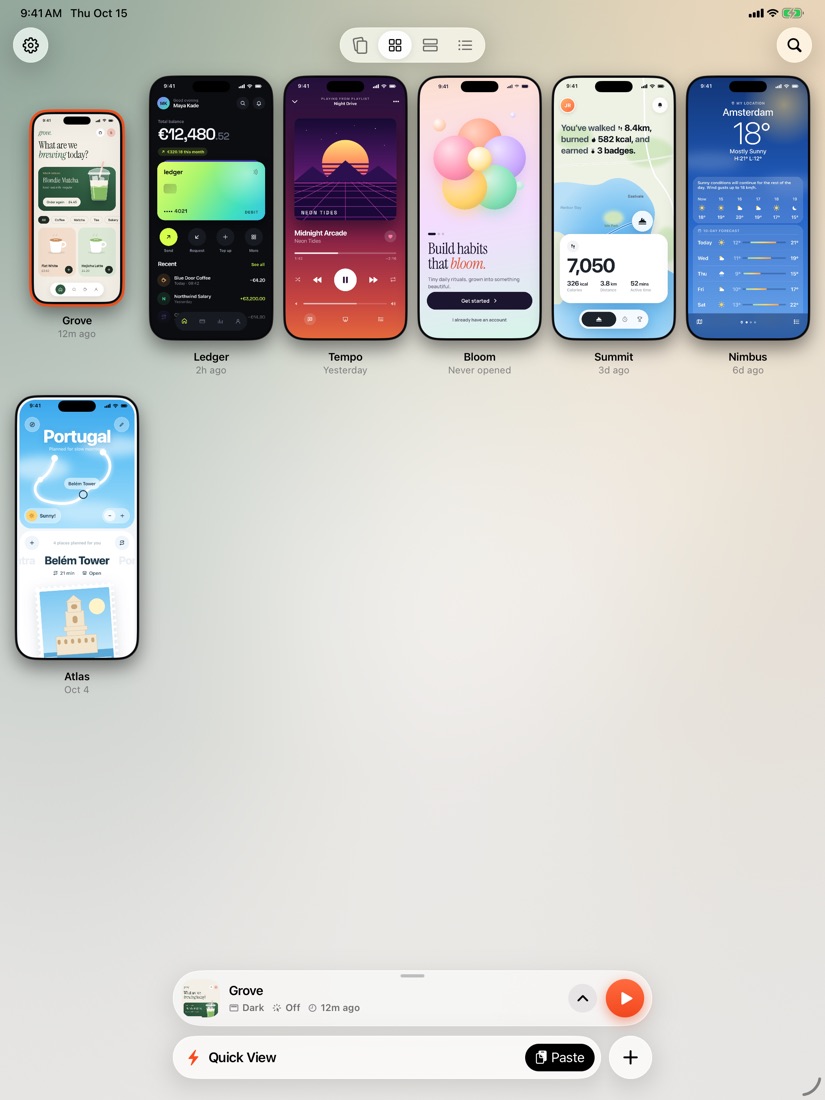
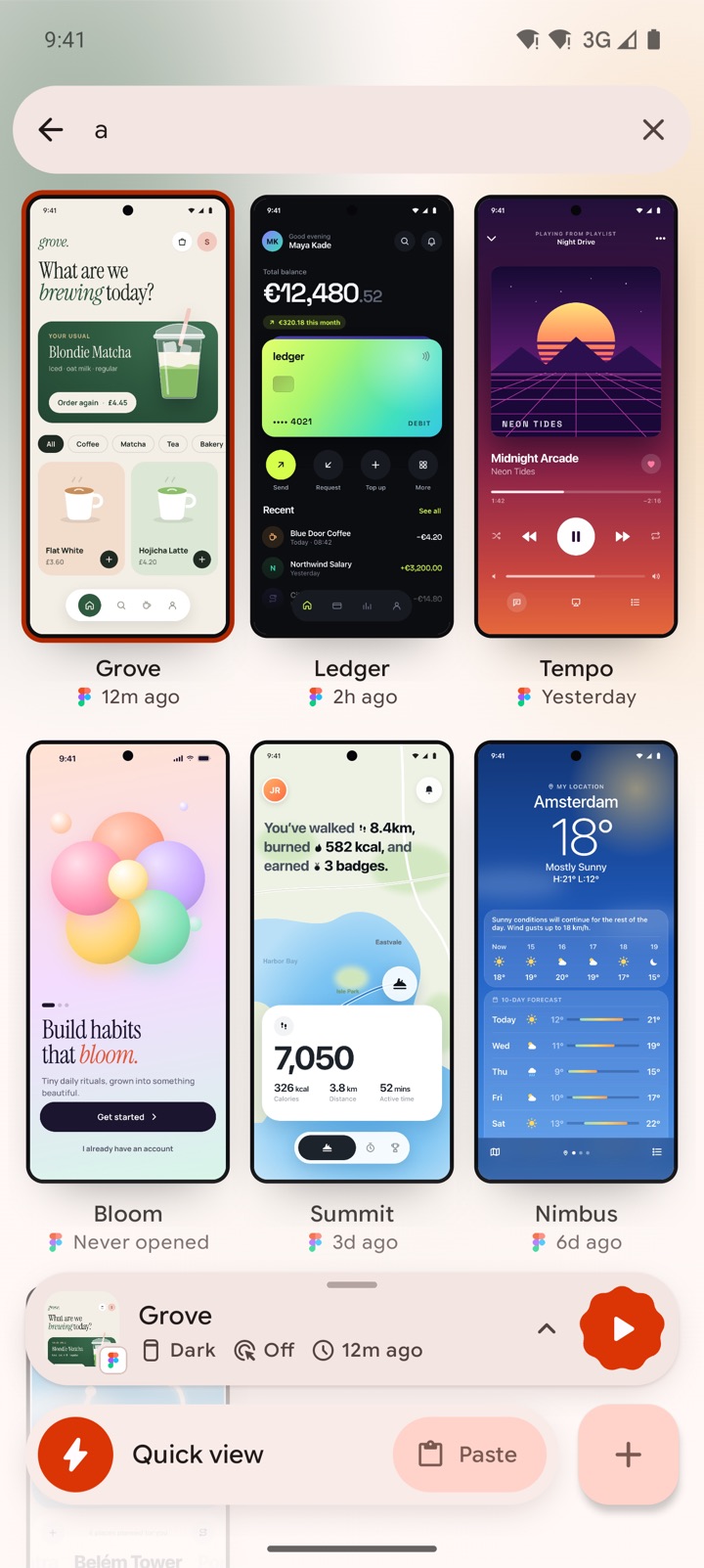
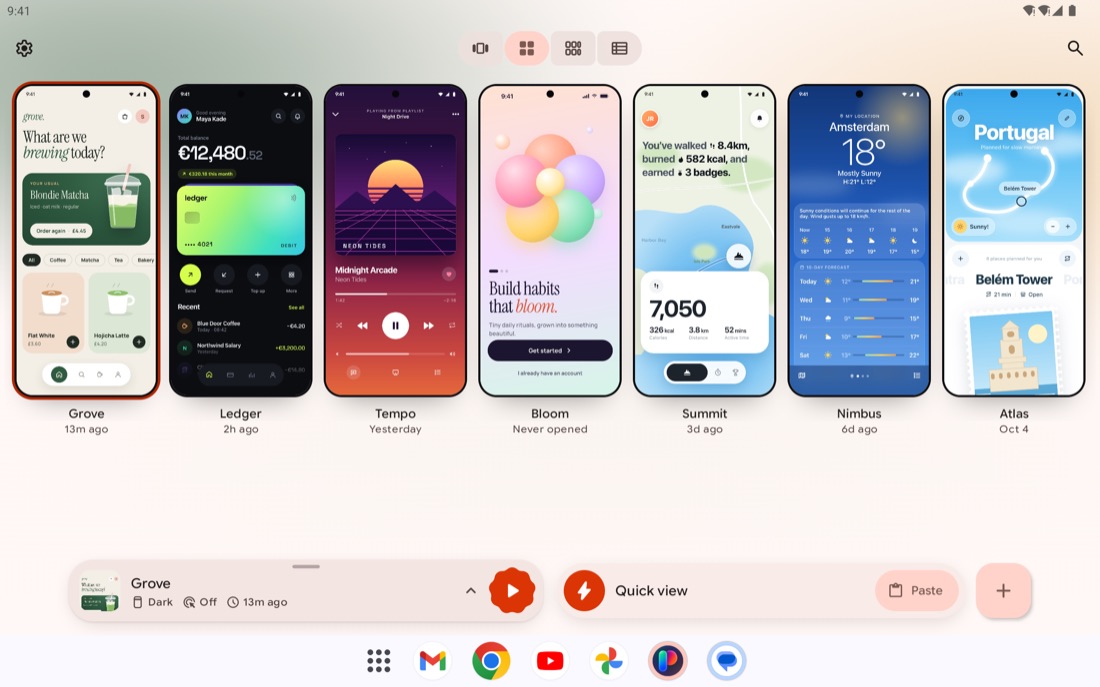
Try it with this page
This page is built for a phone, so it plays in Proto like any prototype. Two taps and you’ll see what we mean.
-
1
Get Proto
Free to download for iPhone and iPad.
-
2
Open This Page in Proto
The button opens Proto with this page and saves it to your library on the way.
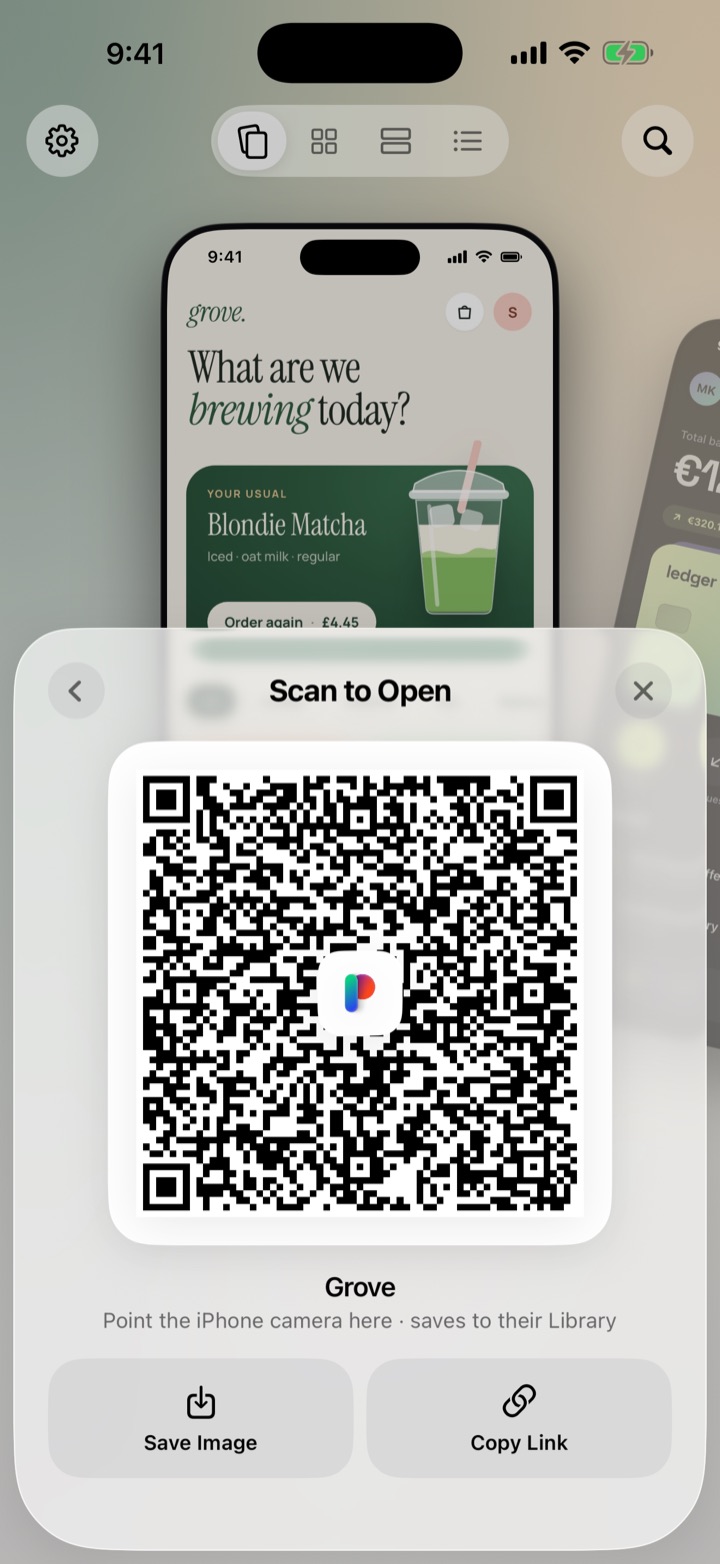
On a computer? Point your iPhone camera at this code. It opens the same link in Proto.
This page is open on your computer’s own loopback address, which on your phone would mean the phone itself. Open it from the computer’s Wi-Fi address and the link will work.
You’re already in Proto. Look, no browser bars.
-
3
Play, Then Get Back Out
It opens full screen. Triple-tap anywhere for the menu, where you can restart, share or exit.